

What Should You Look for in a Digital Data Logger for Vaccine Transport?
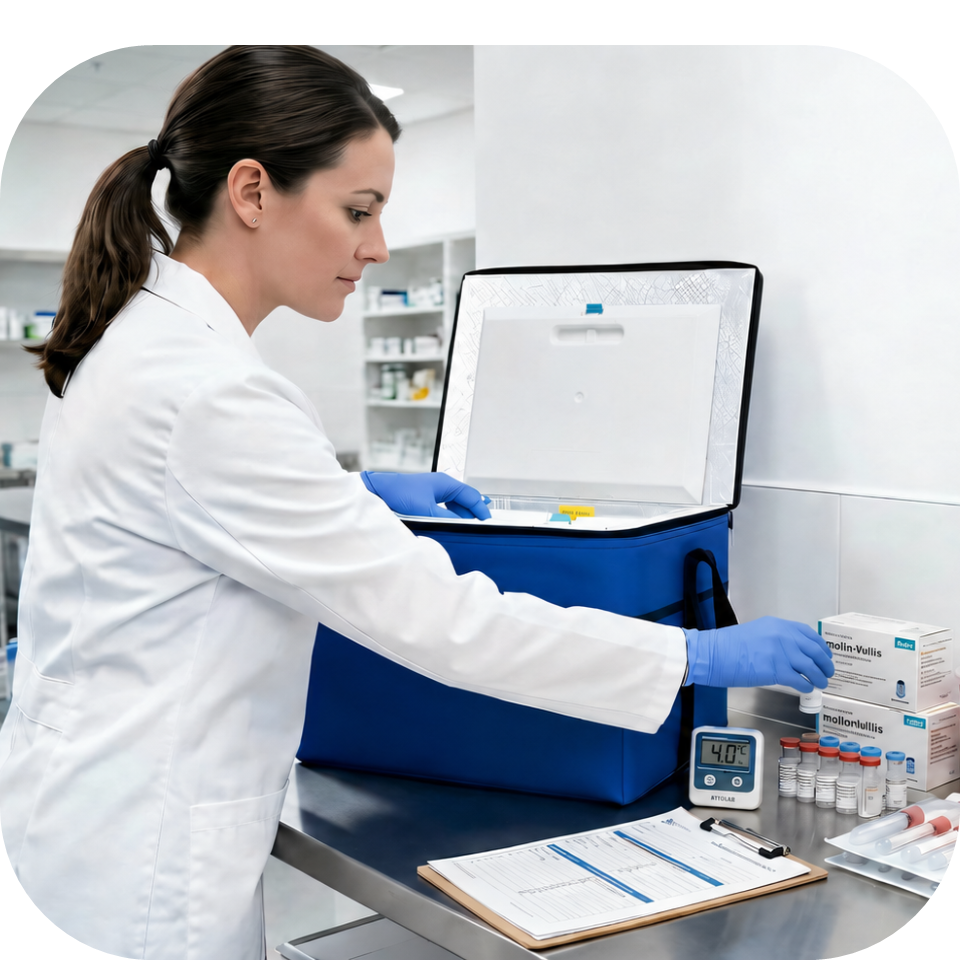
Moving vaccines to a mobile clinic, community vaccination event, satellite location, or another facility introduces conditions that do not exist inside a stationary storage unit. The transport container may encounter changing outdoor temperatures, vehicle heat, repeated handling, and delays. A digital data logger records what happens inside the container so staff can verify that the vaccines remained within the required temperature range.
The Centers for Disease Control and Prevention recommends using digital data loggers during vaccine transport and in temporary, mobile, off-site, satellite, and community vaccination clinics. The CDC also advises placing an appropriate temperature-monitoring device in every transport unit. ¹
What Is a Data Logger?
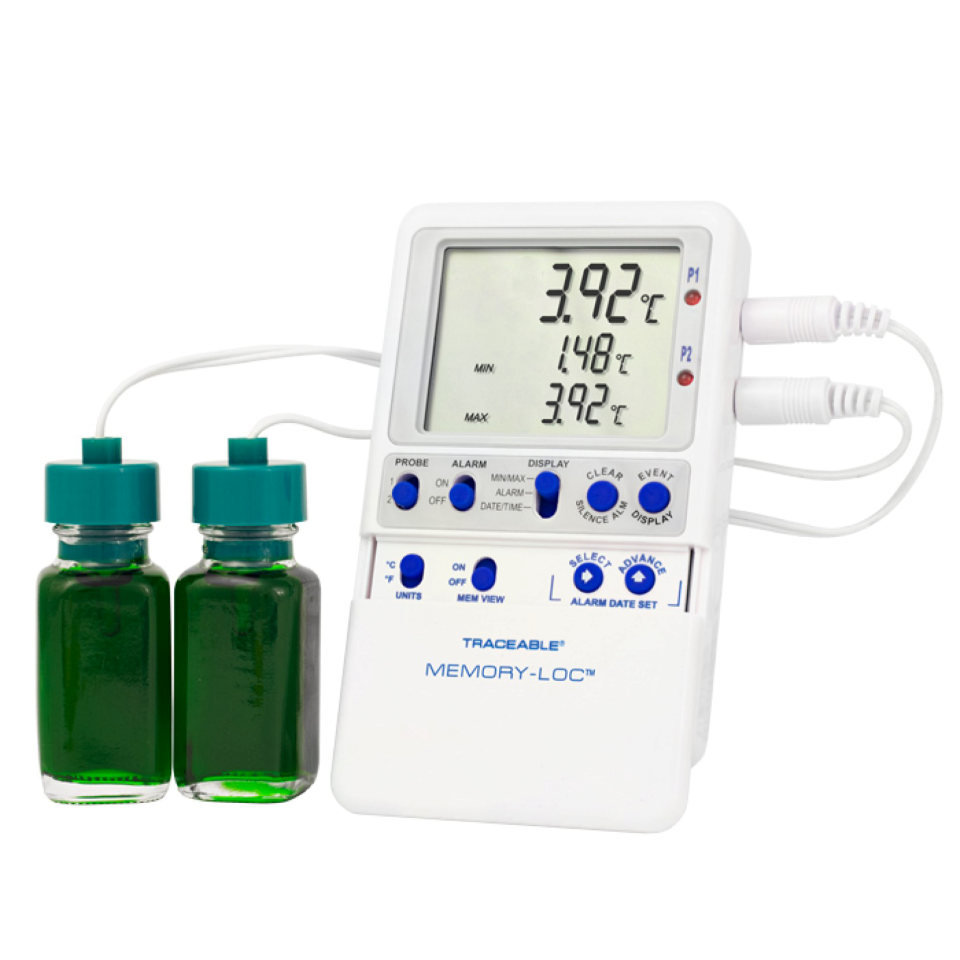
A digital data logger, commonly called a DDL, is an electronic temperature-monitoring device that measures and records temperatures at programmed intervals.
A basic thermometer shows the temperature at the moment someone reads it. A minimum and maximum thermometer also shows the coldest and warmest readings reached over a defined period. A digital data logger creates a more complete temperature history by recording readings at regular intervals throughout transport. This history can show when a temperature changed, how far it moved outside the recommended range, and how long the condition lasted. ¹
That distinction matters when vaccines leave controlled storage. A temperature reading taken before departure and another taken after arrival cannot show what happened between those two points. Continuous monitoring provides the documentation needed to evaluate the full trip.
CDC recommends continuous digital data logging for vaccine-temperature monitoring, and the Vaccines for Children program requires it for participating providers. CDC guidance calls for recording intervals of at least every thirty minutes. ²
Why Use a Digital Data Logger During Vaccine Transport?
A transport container and a digital data logger serve different purposes.
The container maintains the required temperature range. The data logger measures and documents the conditions surrounding the vaccines. One does not replace the other.
During transport, the data logger provides evidence that the temperature-control system performed as expected. It also gives staff information they can review when:
- A trip takes longer than planned
- An alarm indicates an out-of-range temperature
- The container is opened during an off-site clinic
- Staff question whether the vaccine remained usable
- Temperature documentation is requested
- A possible temperature excursion requires investigation
CDC defines a temperature excursion as any reading outside the vaccine-storage range specified in the manufacturer’s package insert. Vaccine appearance cannot confirm whether the product remained at an appropriate temperature, and lost potency cannot be restored.¹
A complete temperature record supports a faster, more informed response. It does not independently determine whether an affected vaccine remains usable. Staff should follow their standard operating procedures, keep potentially affected vaccines separate, and consult the appropriate immunization program or vaccine manufacturer when evaluating an excursion. ¹
What Features Are Important to Have in a Vaccine Transport Data Logger?
Not every temperature monitor provides the information needed for vaccine operations. Review the following features before selecting a data logger for transport.
-
Continuous Temperature Monitoring
Choose a data logger that records temperatures automatically throughout the trip.
Continuous monitoring closes the information gap between departure and arrival. It creates a chronological record instead of relying only on isolated manual readings. CDC recommends a continuous temperature-monitoring device, preferably a digital data logger that measures minimum and maximum temperatures, while vaccines are being transported. ¹
The device should also have enough memory for the anticipated transport duration and a practical method for retrieving the recorded information.
- A Buffered Temperature Probe
A standard thermometer often responds quickly to changes in surrounding air. Opening a container may produce a brief air-temperature change that does not accurately represent the temperature of the vaccine itself.
A buffered probe responds more like the vaccine payload. The probe may be buffered with materials such as glycol, glass beads, sand, or Teflon®. CDC identifies a detachable buffered probe as a recommended data-logger feature because it more closely reflects vaccine temperature. ¹
During vaccine transport, CDC advises placing the buffered probe directly with the vaccines. For frozen vaccines, the temperature-monitoring device should be positioned as close to the vaccine as possible. ¹
Probe placement matters. A capable data logger may still produce misleading information when the probe sits against a coolant source, near the container wall, or away from the vaccine payload. Follow the transport-container and data-logger manufacturers’ placement instructions.
- Suitable Temperature Accuracy
Small temperature differences can matter when the acceptable range is narrow.
CDC recommends using a transport temperature-monitoring device or digital data logger with an accuracy of ±0.5°C, or ±1°F.¹ Confirm that the published accuracy applies across the temperature range required for the vaccine being transported.
A logger intended for refrigerated vaccines may not be suitable for frozen or ultra-cold products. Match the device and probe to the vaccine manufacturer’s specific requirements.
- Current, Minimum, and Maximum Temperature Display
A useful display allows staff to review conditions without downloading a complete report during the clinic or transport operation.
CDC recommends a digital data logger that displays:
- Current temperature
- Minimum temperature
- Maximum temperature 1
Before transport begins, staff should record the start time and minimum and maximum temperatures. The display should remain visible and accessible during transport without unnecessary disturbance to the probe or payload. CDC recommends keeping the display on top of the vaccines so staff can read it easily. ¹
At mobile or off-site clinics, the minimum and maximum readings also provide a quick indication of whether conditions changed while the transport unit was closed.
- Programmable Recording Intervals
The logging interval determines how often the device measures and records temperature.
A long interval can leave meaningful gaps in the record. CDC recommends a data logger that can measure and record temperatures at least every thirty minutes. ¹ The Pink Book likewise identifies thirty minutes as the minimum interval for continuous vaccine monitoring. ²
Consider whether the device makes the interval easy to confirm before departure. Staff should not assume a logger is recording at the correct rate simply because it is powered on.
- An Out-of-Range Alarm
An alarm warns staff when the measured temperature moves outside established limits.
This allows the team to investigate during the operation rather than discovering the problem after returning from the clinic. CDC lists an out-of-range alarm among its recommended digital data-logger features. ¹
Before transport:
- Confirm that the alarm limits match the vaccine’s required range
- Verify that audible or visual alerts are enabled
- Make sure staff know what action to take
- Document the response process in the transport SOP
An alarm is only useful when someone can recognize it and act. It should reinforce an established procedure, not replace one.
- A Current Certificate of Calibration Testing
Calibration testing compares the device’s readings with nationally accepted measurement standards. Over time, a temperature-monitoring device can drift and produce less-accurate readings.
CDC states that each digital data logger or other appropriate temperature-monitoring device should have a current and valid Certificate of Calibration Testing. Calibration should occur every two to three years or according to the manufacturer’s recommended schedule. ¹
The certificate should remain accessible with the organization’s temperature-monitoring records. Before assigning a logger to transport, confirm:
- The certificate applies to that specific device
- The calibration remains current
- The tested temperature range covers the intended use
- The documented uncertainty meets operational requirements
- The device has not been dropped or damaged since testing
CDC also advises checking a device against another calibrated monitor when it has been dropped, struck, or potentially damaged. ¹
- Downloadable and Reviewable Data
A data logger should provide a usable record, not just collect information internally.
CDC notes that data may be downloaded through software or retrieved through a website. ¹ Before selecting a system, determine how staff will:
- Retrieve the data
- Read the report
- Export or save the file
- Associate the report with a specific trip
- Preserve records according to organizational requirements
- Share information during an excursion investigation
A report should make it easy to identify the date, time, recorded temperatures, alarm events, and duration of any out-of-range condition.
Cloud connectivity may improve access, but it is not automatically the best choice for every operation. Mobile clinics may have limited internet service. Confirm whether the logger continues recording without a network connection and how staff retrieve the data afterward.
- Adequate Battery Status and a Low-Battery Indicator
A logger that loses power during transport leaves a gap in the temperature history.
CDC recommends choosing a device with a low-battery indicator and keeping spare batteries available. ¹ Staff should verify battery status as part of the pre-transport checklist rather than waiting for an alert after the vaccines are packed.
Some devices require additional accuracy checks after a battery change. Review the manufacturer’s instructions before replacing batteries in a logger assigned to vaccine transport.
- Practical Use in the Field
Technical performance matters, but the device must also work within the actual transport process.
Evaluate whether staff can:
- Start and stop the logger correctly
- Confirm that recording has begun
- Read the display in the transport container
- Recognize an alarm
- Download a report without specialized assistance
- Protect the device during repeated movement
- Clean it according to organizational procedures
- Match each report to the correct trip and vaccine payload
A complicated device creates room for missed steps. The best data logger is one that meets the technical requirements and fits a repeatable transport procedure.
How Should the Data Logger Be Used During Transport?
Equipment selection is only part of reliable temperature monitoring. Staff also need a documented procedure.
Before departure, verify the logger’s calibration status, battery level, programmed interval, alarm limits, and probe placement. Record the time and minimum and maximum temperatures when the vaccines enter the transport container. ¹
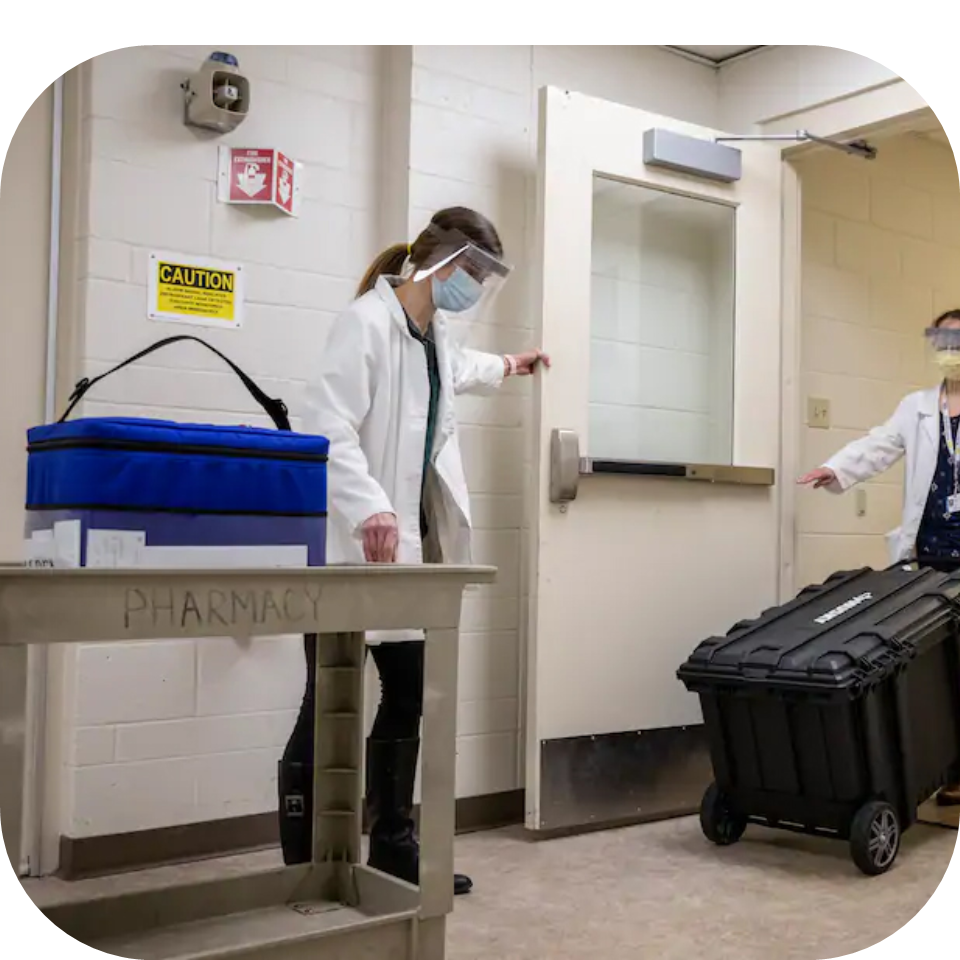
During transport, keep the container closed as much as possible. Do not open it solely to check a temperature when the display can be read without disturbing the contents. At an off-site clinic, follow CDC guidance for checking and documenting temperatures based on the type of device and how the vaccines are being held. ¹

At the destination, record the arrival time and temperature information. Place the vaccines in an appropriate monitored storage unit immediately when one is available. Review and preserve the data-logger report according to the organization’s procedures.
For Vaccines for Children (VFC) providers, state and local requirements may add procedures beyond general CDC guidance. The VFC Operations Guide serves as the primary source for VFC requirements, and providers should consult their immunization program for jurisdiction-specific instructions. ¹ 3
Build Temperature Monitoring into the Transport Plan
A digital data logger should not be an afterthought placed inside the container moments before departure. It is part of the complete vaccine-transport system.
Reliable transport combines:
- A qualified temperature-controlled transport container
- The correct packout for the vaccine
- A calibrated digital data logger
- Proper buffered-probe placement
- Documented departure and arrival checks
- Staff trained to recognize and respond to alarms
- A written procedure for temperature excursions
When those elements work together, mobile vaccination teams gain a defensible record of the entire trip. They know what happened inside the container, not just what the thermometer showed before and after transport.
Monitor Every Trip with Cool Cube™ and VeriCor Temperature Monitoring Solutions
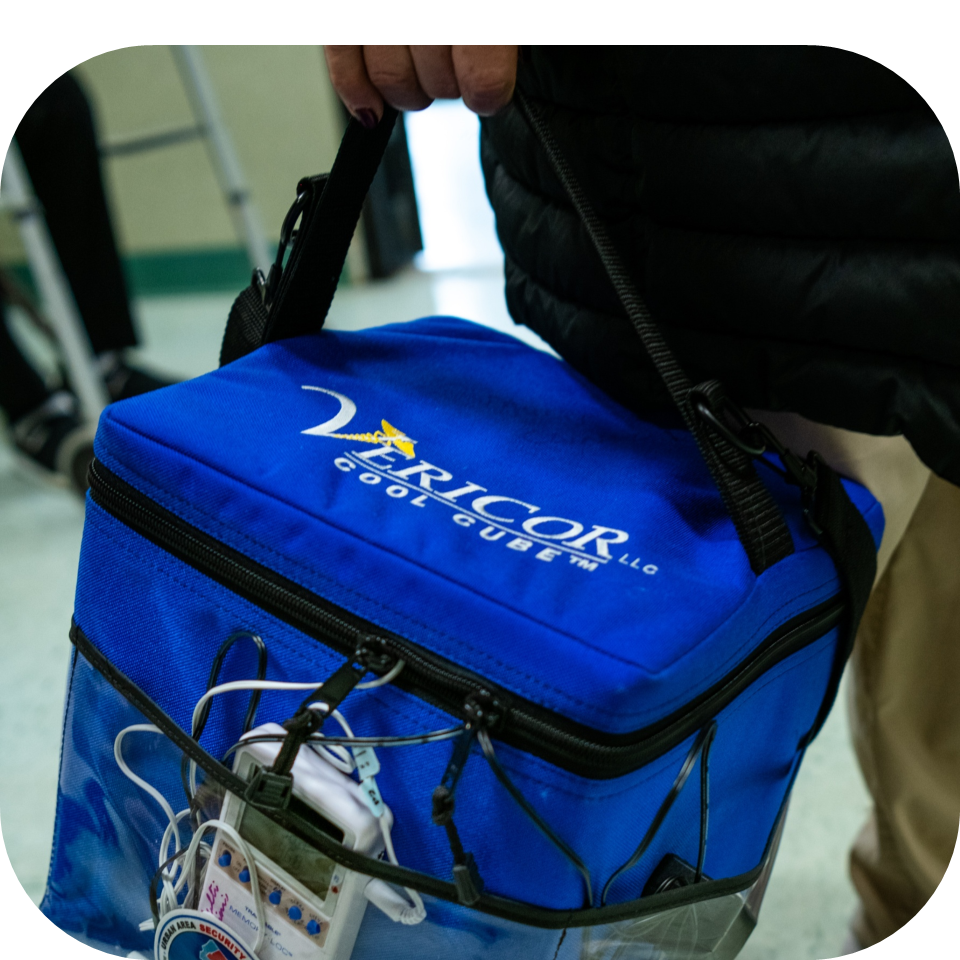
Reliable vaccine transport requires both temperature control and a clear record of conditions throughout the trip. Cool Cube™ medical coolers maintain the required transport environment, while digital data loggers document temperature performance from departure through arrival.
Explore Cool Cube™ passive medical transport systems and VeriCor temperature-monitoring solutions for mobile clinics, off-site vaccination operations, and other temperature-sensitive healthcare transport.
References
- Centers for Disease Control and Prevention. Vaccine Storage and Handling Toolkit, July 2026. https://www.cdc.gov/vaccines/hcp/downloads/storage-handling-toolkit.pdf
- Centers for Disease Control and Prevention. Epidemiology and Prevention of Vaccine-Preventable Diseases, Chapter 5: Vaccine Storage and Handling. https://www.cdc.gov/pinkbook/hcp/table-of-contents/chapter-5-vaccine-storage-and-handling.html
- Centers for Disease Control and Prevention. Vaccines for Children Program Operations Guide. https://www.cdc.gov/vaccines-for-children/media/pdfs/2025/07/vfc-ops-guide-508.pdf


